Provider configuration
Keep your provider address outside the normal login flow. Managed apps retrieve the current DNS from your authenticated Management deployment.
Configure services, customise your branding and generate signed Android apps from your own self-hosted deployment.
Most policy changes reach installed apps dynamically. Rebuild only when Android requires compiled resources, such as launcher artwork.
Keep your provider address outside the normal login flow. Managed apps retrieve the current DNS from your authenticated Management deployment.
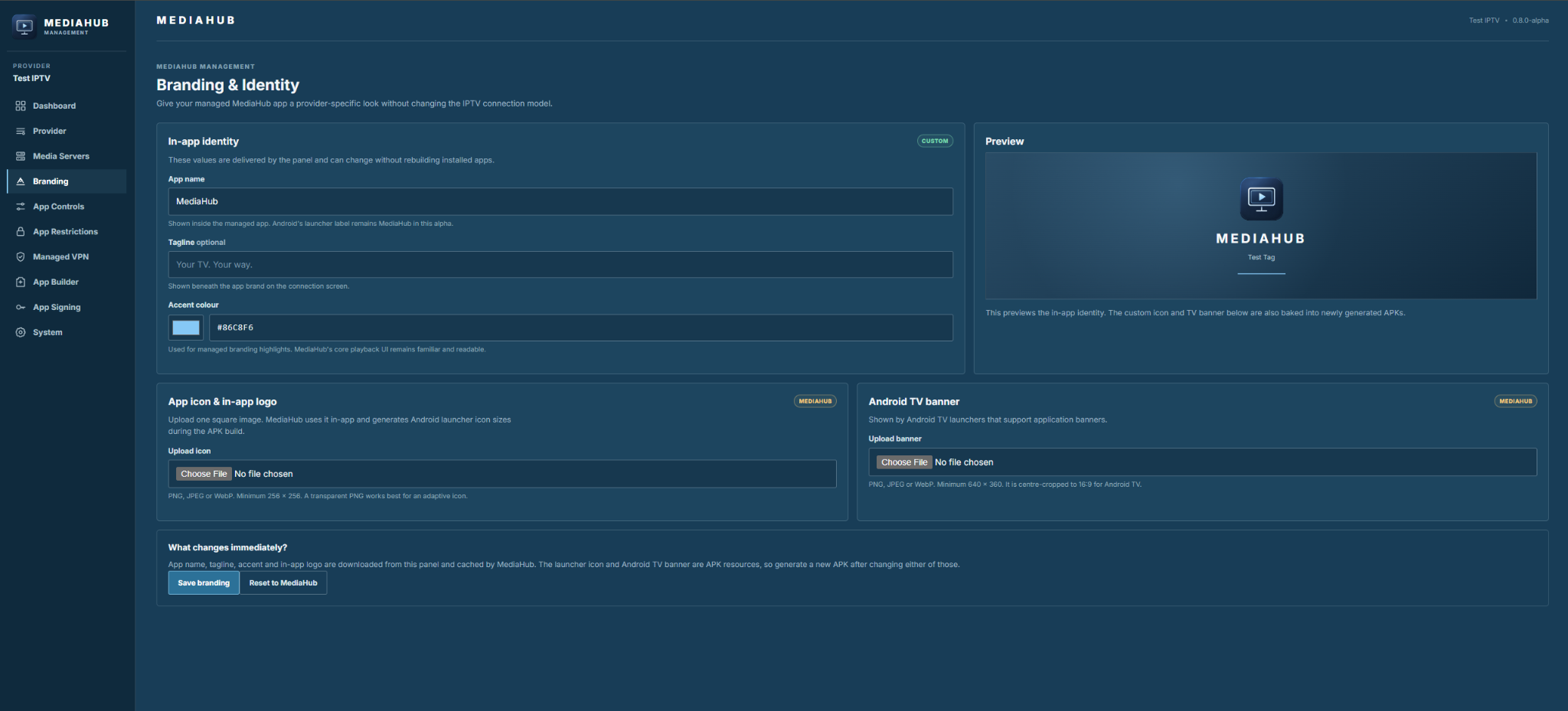
Configure the app name, tagline, accent and logo. Include your launcher icon and TV banner when generating the APK.
Choose which features appear: Live TV, movies, series, media servers, search, favourites, VPN, timeshift and accounts.
Set which settings people can access, and whether they can edit local VPN profiles.
Provision an OpenVPN profile and optional credentials. The app makes the VPN connection locally on the device.
Supply Jellyfin or Emby addresses so the managed app can use your server automatically.
The managed app engine comes with the release. You don’t need Android Studio or an APK template to get started.
IPTV, EPG and playback requests go directly from the device to the provider. Jellyfin, Emby and Plex connect directly to their own services. Management supplies configuration; it does not become a streaming proxy.
Docker and Plesk Docker are the recommended routes. Native Ubuntu 24.04 LTS amd64 is available for VPS installations. Ordinary shared PHP hosting is not supported for Management.
Back up the Management database and storage, and preserve your Android signing identity. Start with a test deployment and follow the backup and upgrade guide.
Open the current product screenshot. Management is a separate self-hosted product, with its own interface and release cycle.
Pick Docker, Plesk Docker or native Ubuntu, then follow the first-run setup.